Add a motion to the agenda
Create a motion, link it to a decision-type agenda item, and — where the body requires it — collect co-signatures before it is admissible.
Goal
By the end you will have a motion in Decidesk attached to an agenda item, with its proposer set and (if needed) the required co-signatures gathered, ready for debate and a vote.
Prerequisites
- A meeting with a published agenda that has at least one decision-type agenda item (see Schedule a meeting and build the agenda).
- Membership of the governance body, or whatever role the body's workflow grants motion-submission rights.
- If the body sets a co-signature threshold, the names of the members who will co-sign.
Steps
-
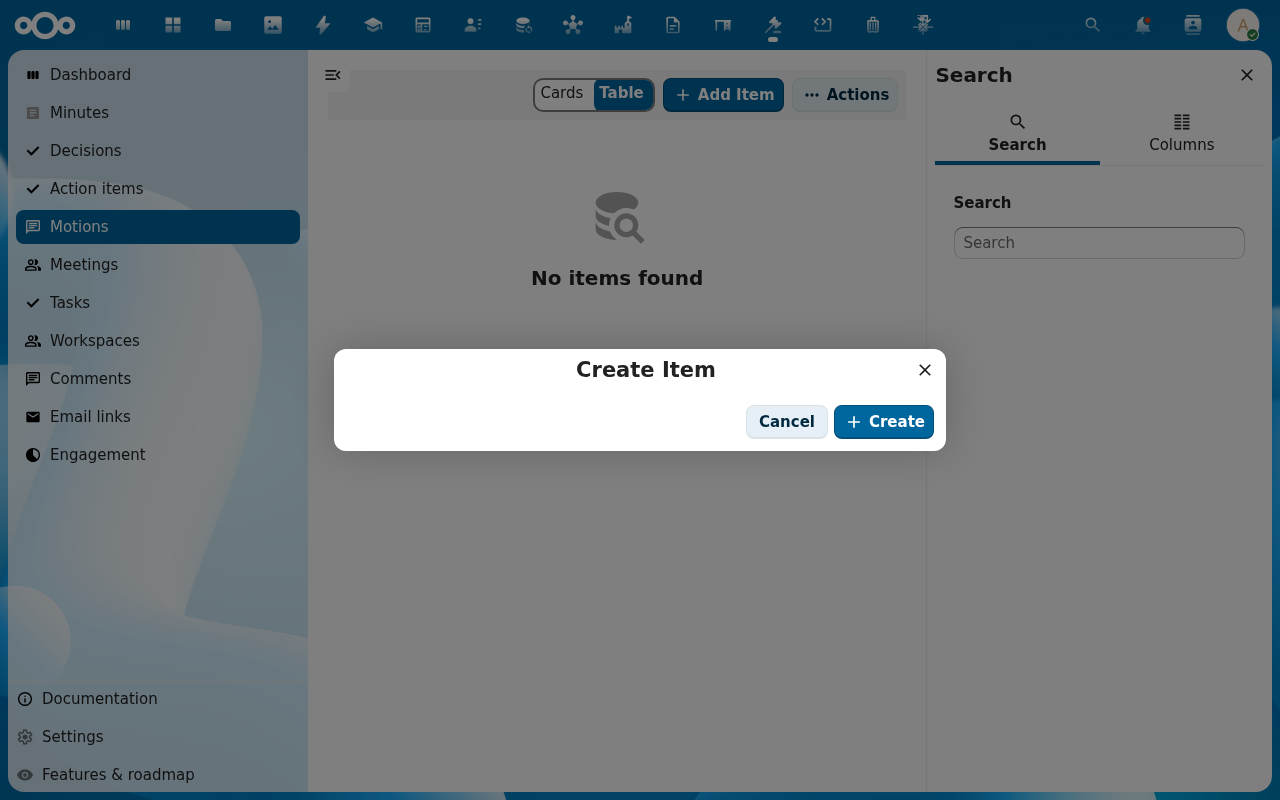
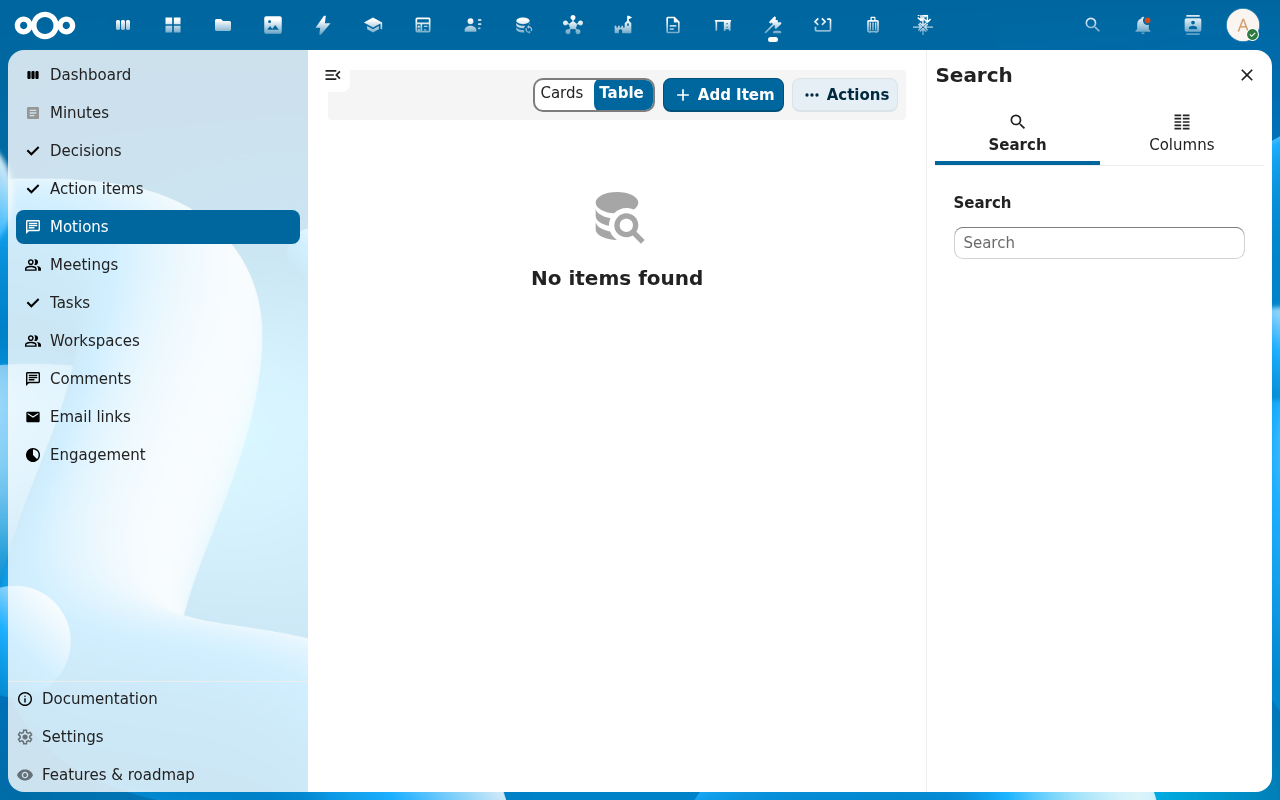
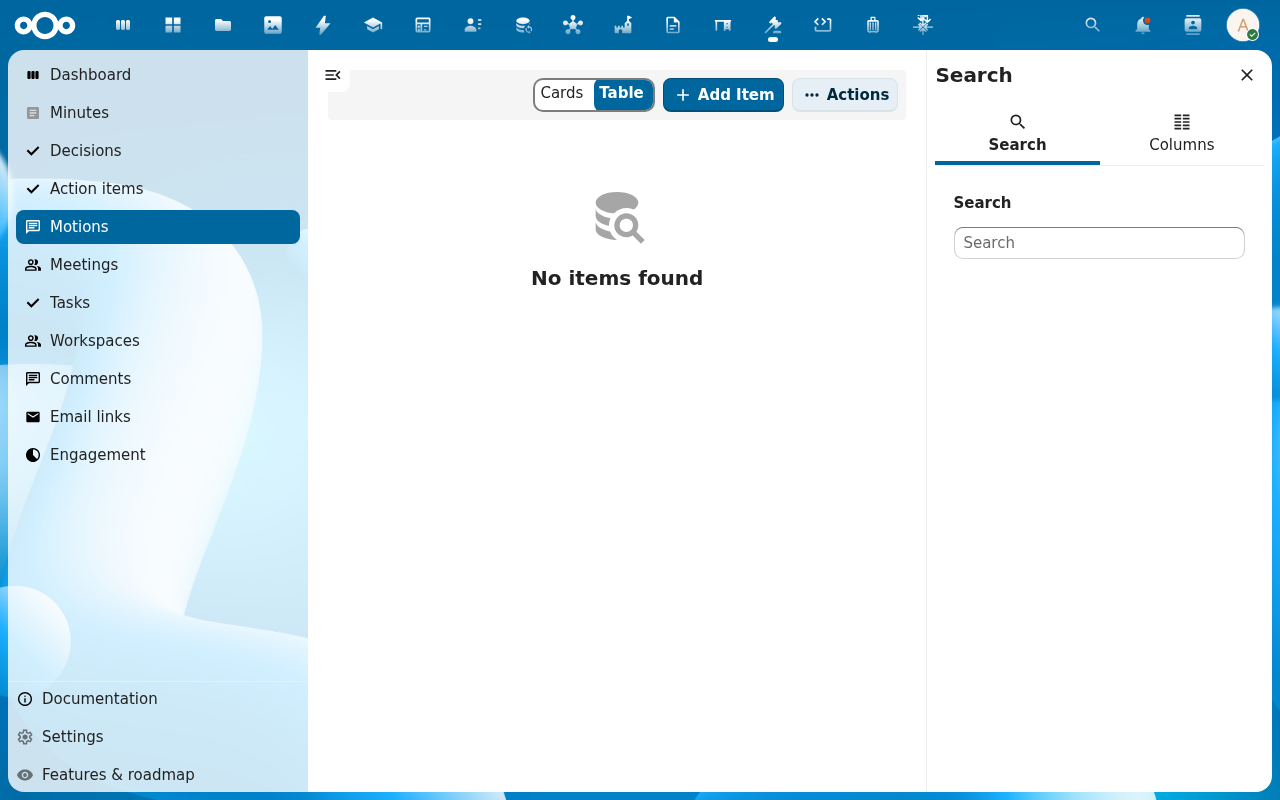
Open Motions in the navigation and click Add Item, or open the meeting's agenda item and add a motion from there.
-
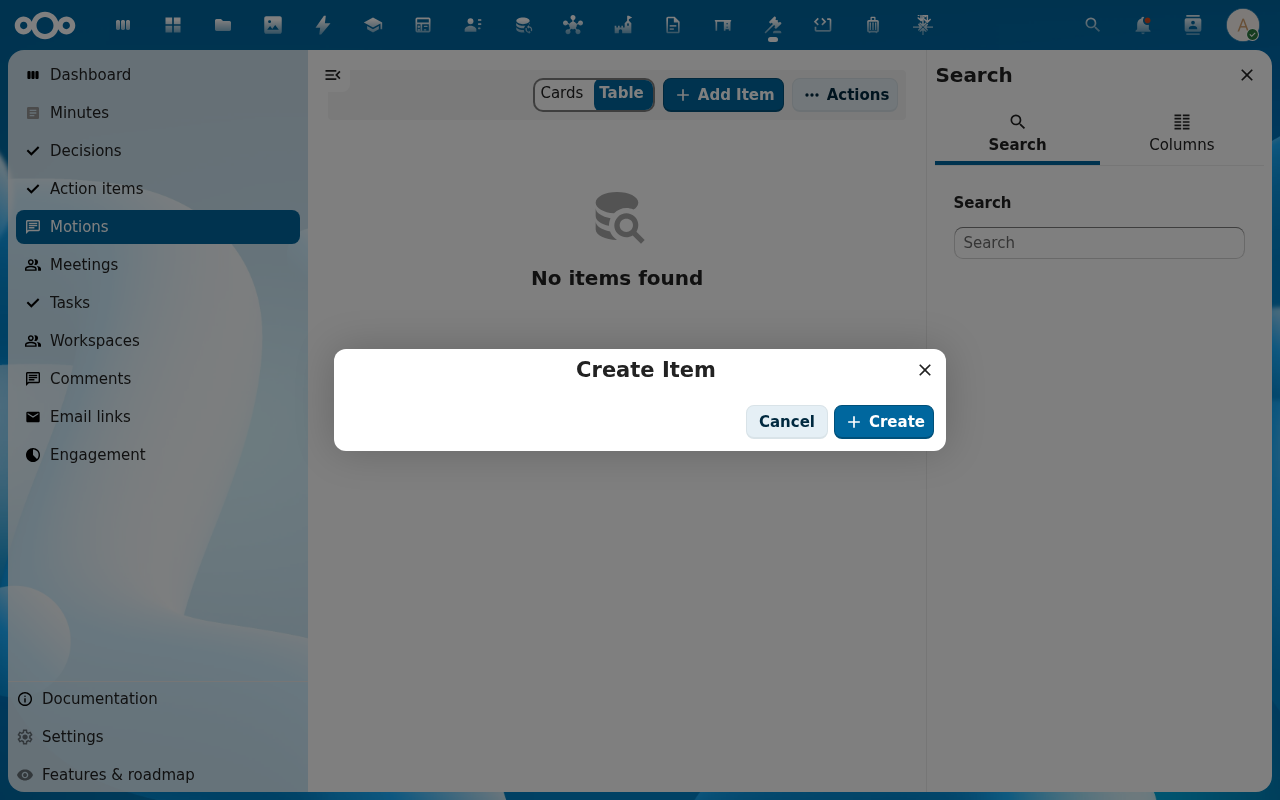
Fill in the motion — title, motion type (substantive, procedural, budget-related, …), the proposer, and the motion text. Link it to the agenda item it belongs to. Click Create.
-
Open the motion. Its sidebar has an Overview, Amendments, Votes and Audit trail tab. The motion starts in a draft / submitted lifecycle state.
-
If the body requires co-signatures, request them — Decidesk sends a co-sign request to each named member, and the motion stays pending until enough confirmations come in. The Audit trail records each confirmation.
-
Once the co-signature threshold is met (or if none is required), transition the motion to admissible. It is now on the agenda for debate.
Verification
The motion shows in the Motions list with its proposer and lifecycle, it is linked from the agenda item it belongs to, and — where applicable — the Audit trail shows the co-signature confirmations and the transition to admissible.
Common issues
| Symptom | Fix |
|---|---|
| Can't transition the motion to admissible | The co-signature threshold isn't met yet — chase the outstanding confirmations, or check the body's threshold in its workflow. |
| Motion has no agenda item shown | It was created without linking an agenda item — edit the motion and set the agenda item. |
| Budget-related motion warns about budget impact | A budget-type motion can capture a monetary amount and budget-impact note; fill that in before the vote so the impact is on record. |
Reference
- Propose an amendment — change the text of this motion before the vote.
- Run a vote — open a voting round on this motion.
- Configure a governance workflow — co-signature thresholds and who may submit motions.