Take and publish the minutes
Turn the meeting record — agenda, motions, votes, decisions — into a minutes document, take it through review and signing, then publish (and, for a general assembly, distribute) it.
Goal
By the end you will have a minutes document for the meeting that has moved from draft through review to approved/published, with the agreed signers recorded, and the action items it contains extracted.
Prerequisites
- A meeting that has happened — agenda items handled, any votes closed, decisions published (see Run a vote).
- Secretary (or whoever the body's workflow names) — that role drives the minutes lifecycle.
- The list of people who must sign the minutes (chair, secretary, …) per the body's rules.
Steps
-
Open the meeting and go to Minutes in the navigation, then create a minutes record for the meeting — or use Generate draft to have Decidesk assemble a first draft from the meeting record (agenda items, motions, voting results, decisions).
-
Edit the draft — tidy the wording, add discussion notes, confirm the recorded decisions are right. The minutes detail page has a Signers tab and an Audit trail.
-
On the Signers tab, set who must sign — typically the chair and the secretary. Then submit for approval: the minutes move to review and the dashboard's Minutes awaiting approval tile picks them up.
-
The signers approve. When the last required signature is in, the minutes transition to approved. Publish them — the minutes become the official record of the meeting.
-
Extract action items from the minutes — Decidesk pulls out the "X to do Y by Z" lines so they become tracked action items (see Track decisions and action items). For a general assembly (ALV), generate the ALV-format minutes and distribute them to members.
Verification
The minutes show in the Minutes list with lifecycle approved (or published) and a version number, the Signers tab lists everyone who signed, the Audit trail records the submit/approve/publish steps, and the extracted action items appear under Action items.
Common issues
| Symptom | Fix |
|---|---|
| Generate draft produces a thin draft | It only includes what's recorded — make sure agenda items, votes, and decisions were captured in the meeting before generating. |
| Minutes stuck in review | A required signer hasn't approved yet — check the Signers tab for the outstanding signature. |
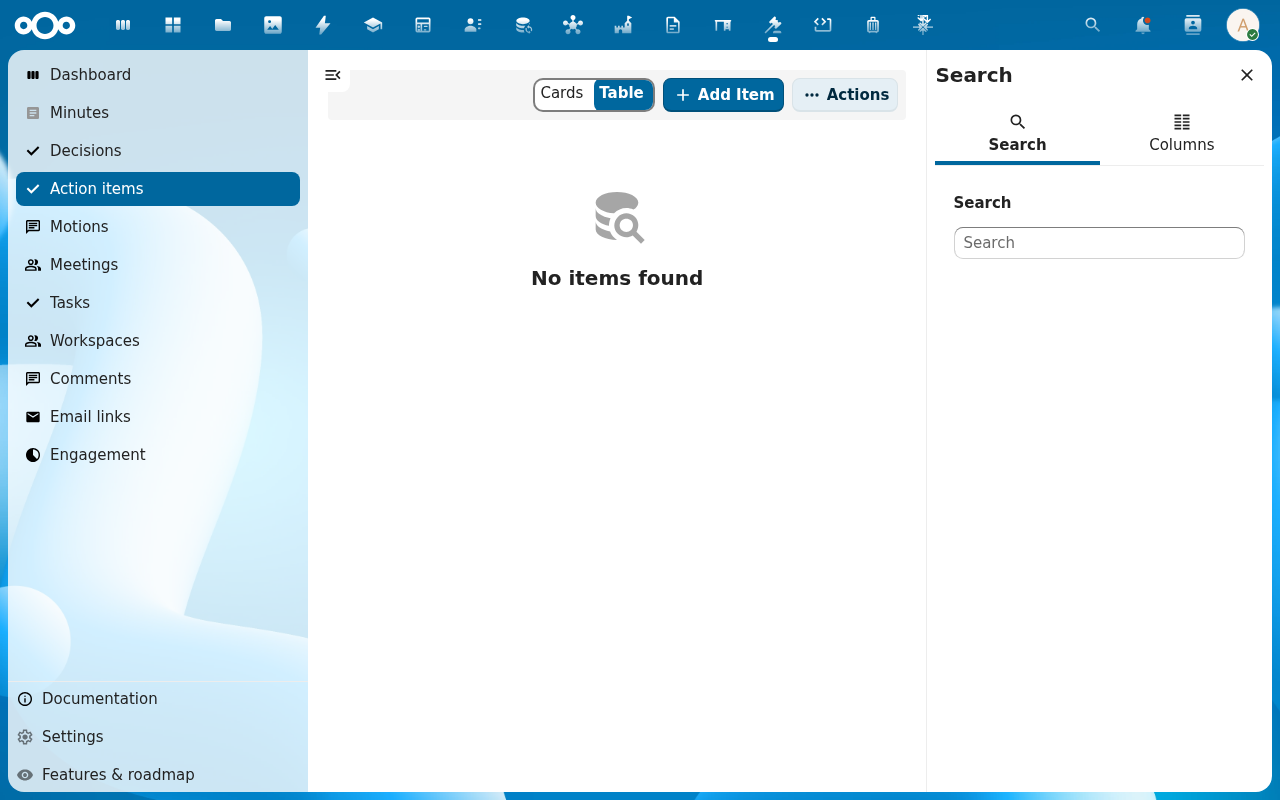
| Action item extraction misses items | The extractor looks for clear assignment phrasing; rephrase vague lines, or add the action items by hand from Action items → Add Item. |
| No "distribute" option | Distribute is for ALV (general assembly) minutes — generate the ALV-format minutes first. |
Reference
- Track decisions and action items — follow up the action items these minutes produced.
- Schedule a meeting and build the agenda — the agenda the minutes are built from.
- Ask the AI companion about a meeting — ask the companion to summarise what the minutes recorded.